Unlocking Android Auto's Hidden Apps: A Sideloading Guide
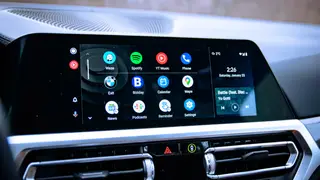
Sideloading apps onto Android Auto involves enabling developer mode on both the phone and the Android Auto system, then installing third-party tools like AAAD. This allows access to apps such as YouTube and screen mirroring, but it introduces security and reliability risks. Users should be aware that Google restricts these apps to reduce driver distraction.
Related stories
The Hidden Dangers of Always-On Bluetooth · Cybersecurity
This summary is AI-generated and original to Mobble; the linked article is the authoritative source.
Original headline: “How to sideload apps onto Android Auto.” Browse more stories.