A practical guide to reclaiming disk space on Windows
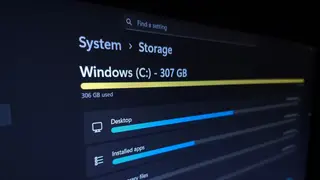
Windows users can use the built-in Storage settings to see a breakdown of what occupies their drive, including installed apps and temporary files. Sorting installed apps by size helps identify the biggest offenders, while the Temporary Files section offers checkboxes for easy cleanup. Users should be cautious with Downloads and the Recycle Bin, as clearing them permanently deletes files.
This summary is AI-generated and original to Mobble; the linked article is the authoritative source.
Original headline: “How to see what's taking up space on your Windows PC.” Browse more stories.